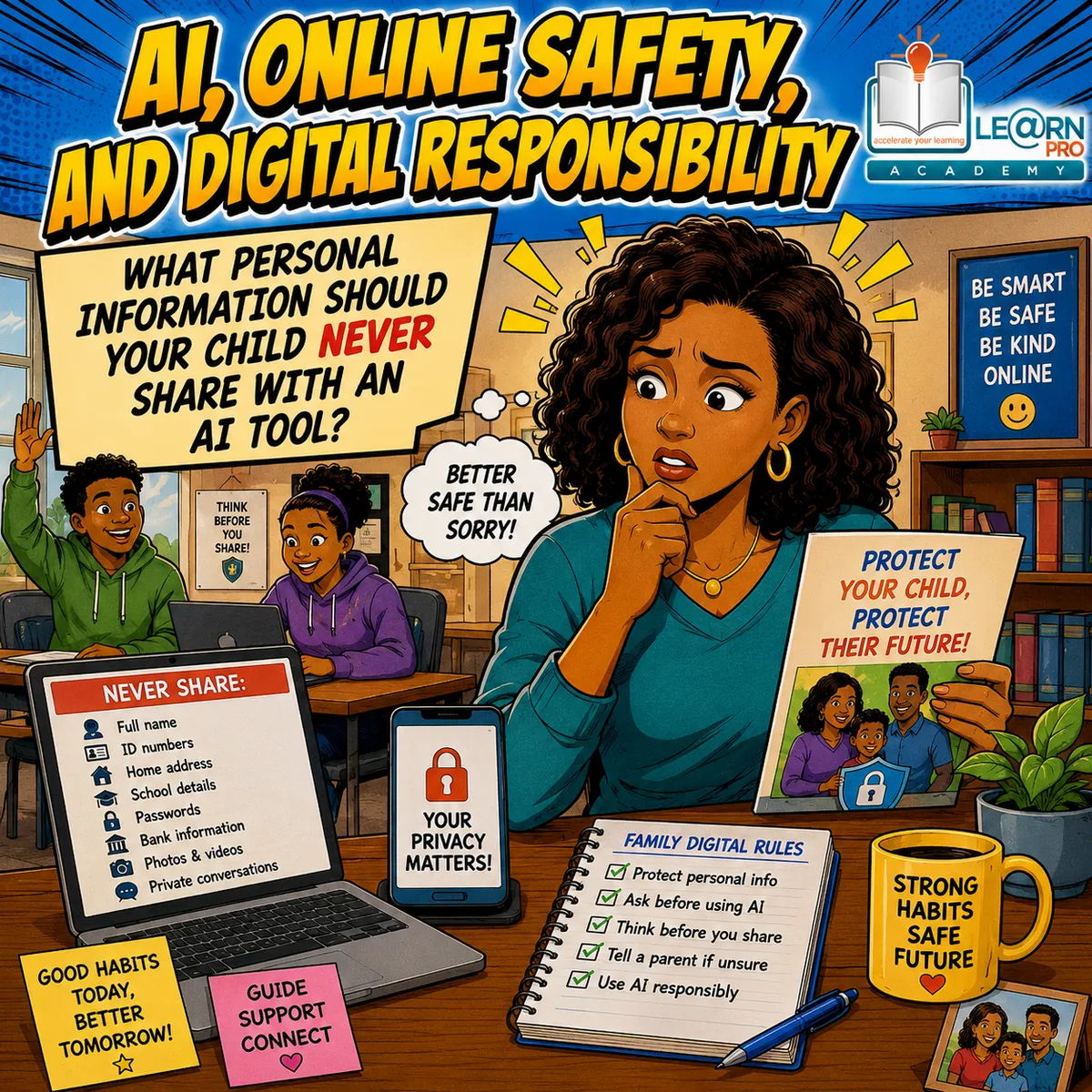
What Personal Information Should Your Child Never Share with an AI Tool?
This is article #1 of 5 in the Online Safety, and Digital Responsibility Series
Introduction
Artificial intelligence (AI) tools are becoming a normal part of school life. Many learners now use AI to explain difficult concepts, improve writing, generate ideas, create study plans, or prepare for exams. Used wisely, these tools can be valuable learning assistants.
However, while many parents worry about whether AI gives correct answers, another issue is just as important: privacy.
Many teenagers do not think carefully before typing information into an AI chatbot or website. If the AI asks a question, they often answer it without considering whether the information is private. They may share their full name, school details, home address, passwords, personal photographs, family problems, or even confidential school work.
Parents do not need to become technology experts to protect their children. They simply need to teach a few clear rules that apply whenever their child uses AI, whether for schoolwork or personal reasons.
This article explains what information should never be shared with AI tools, why privacy matters, and how parents can help their children develop safe online habits that will benefit them throughout their lives.
Why Privacy Matters More Than Ever
Every time we use the internet, we leave behind information. AI tools are no different.
Different AI platforms have different privacy policies. Some may store conversations for a period of time. Some may use conversations to improve their systems unless users change the settings or use services designed to protect business or educational data. Others may collect information about how people use their platform.
Most learners never read privacy notices before clicking "Accept."
That is why parents should teach a simple principle: If information is private in real life, it should also be treated as private online.
Children often assume they are simply talking to a helpful computer. They forget that what they type may be stored, reviewed in limited circumstances, or processed according to the service's policies.
The goal is not to make children afraid of AI. The goal is to help them use it responsibly.
Understanding The Difference Between Public And Private Information
One of the easiest ways to teach privacy is to explain the difference between public and private information.
Public information is information that would generally be acceptable for other people to know.
Examples include:
Favourite school subjects
General hobbies
Sports they enjoy
Books they like
General study questions
Public historical facts
Mathematics problems
Science concepts
Private information is different. Private information belongs to the learner or the family and should be protected carefully.
Children often understand this idea more easily when parents explain that some information belongs inside the family, while other information can safely be shared.
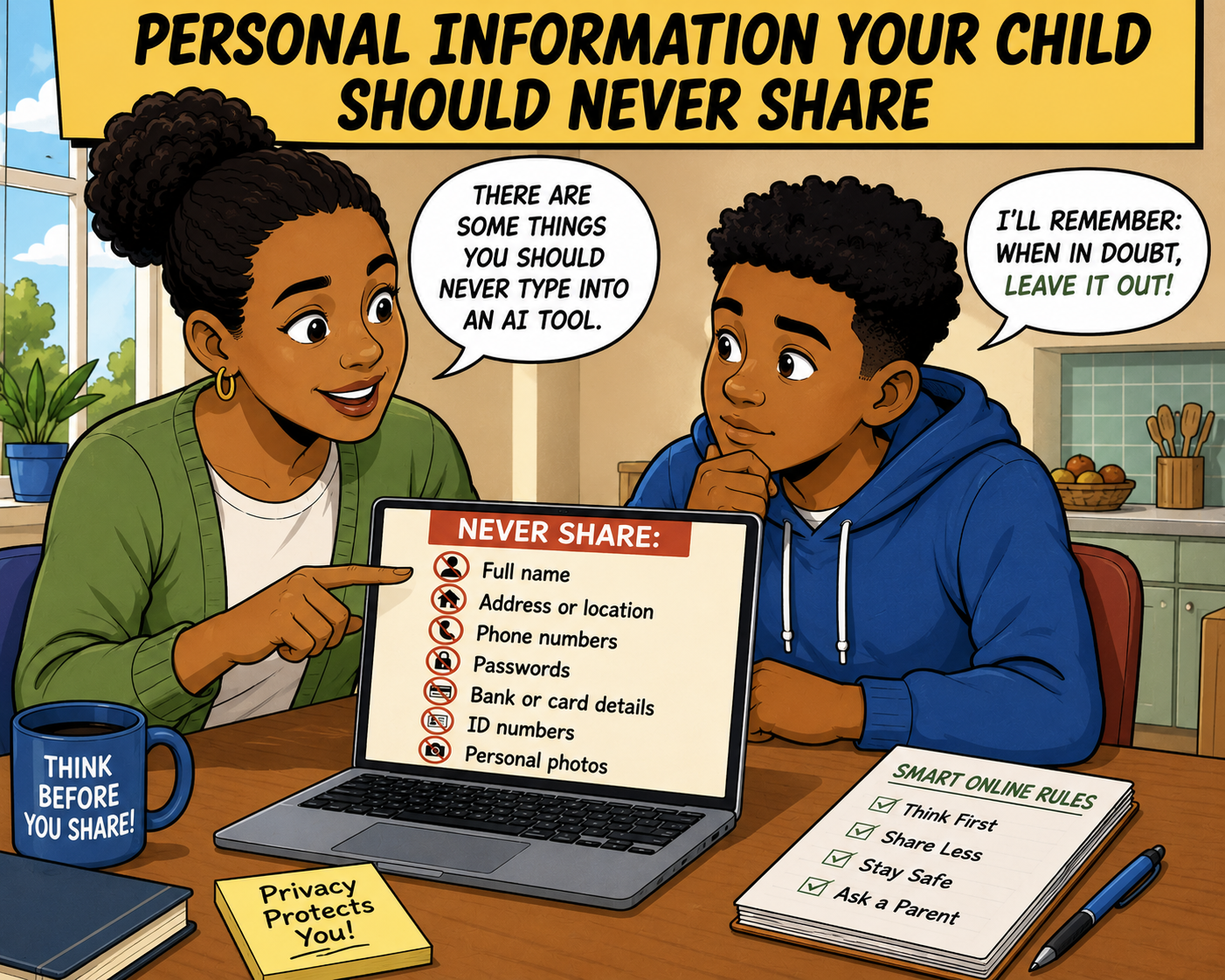
Personal Information Your Child Should Never Share
Parents can teach one simple rule: When in doubt, leave it out.
The following information should never be entered into AI tools unless there is a clear reason to do so in a trusted environment approved by a parent, school, or organisation.
Full Name
A learner does not usually need to tell AI their full name.
Instead of writing: "My name is Sarah Jacobs."
They could simply write: "I am a Grade 10 learner."
The AI can still provide helpful answers without knowing exactly who they are.
Home Address
Children should never type:
Home address
Postal address
GPS location
Directions to their house
This information is unnecessary for school assistance.
Phone Numbers
Phone numbers should remain private.
There is no educational reason to give an AI chatbot a personal or family telephone number simply to ask homework questions.
Email Addresses
Many learners automatically type their email address when chatting online.
Parents should explain that unless creating an account through a trusted platform with permission, email addresses should not be shared during conversations.
Passwords
This is one of the easiest rules.
Passwords should never be shared.
Not with:
AI tools
Websites
Friends
Classmates
Anyone except a trusted parent when necessary
A genuine AI assistant does not need passwords to explain mathematics or history.
Banking Information
Teenagers should never enter:
Bank account numbers
Card numbers
PINs
Banking passwords
Payment details
Even if a website appears professional, financial information must always remain private.
Identity Numbers
In South Africa, identity numbers are extremely important personal information.
Learners should never type:
South African ID numbers
Passport numbers
Driver's licence numbers
Birth certificate numbers
These details should be carefully protected.
School Login Details
Many schools use online learning systems.
Children should never share:
School usernames
School passwords
Online classroom logins
These accounts often contain school records and personal information.
Personal Photographs
Many AI tools now allow users to upload images.
Parents should encourage children to think before uploading:
Selfies
Family photographs
School uniform photographs
Photos showing home locations
Photos containing personal documents
Once an image is uploaded, the learner may have less control over how it is processed according to the platform's policies.
School Information That Should Remain Private
Parents are often surprised that school information can also require protection.
Children should avoid uploading:
School reports
Confidential teacher comments
Mark sheets
Examination papers that are not meant for sharing
Other learners' work
Private emails from teachers
If a learner wants help understanding feedback, they can copy only the relevant comment without including names or unnecessary personal details where possible.
Why Family Information Should Stay Private
Teenagers sometimes use AI like a diary.
They may type:
"My parents are getting divorced."
"My father lost his job."
"My sister has health problems."
"My family is fighting."
Although AI can provide general guidance, children should understand that family matters deserve careful handling.
Parents should encourage open family conversations and remind children that serious emotional or family concerns are usually better discussed with trusted adults, school counsellors, or appropriate support services rather than relying only on AI.
Medical Information Requires Extra Care
Many AI systems can explain medical information.
However, children should avoid entering detailed personal medical records unless there is a good reason to do so on a trusted platform.
Examples include:
Medical diagnoses
Medication lists
Hospital records
Mental health records
Test results
If learners want general information, they can ask: "What is asthma?"
instead of: "Here are all my medical records."
Parents should also remind children that AI cannot replace advice from qualified healthcare professionals.
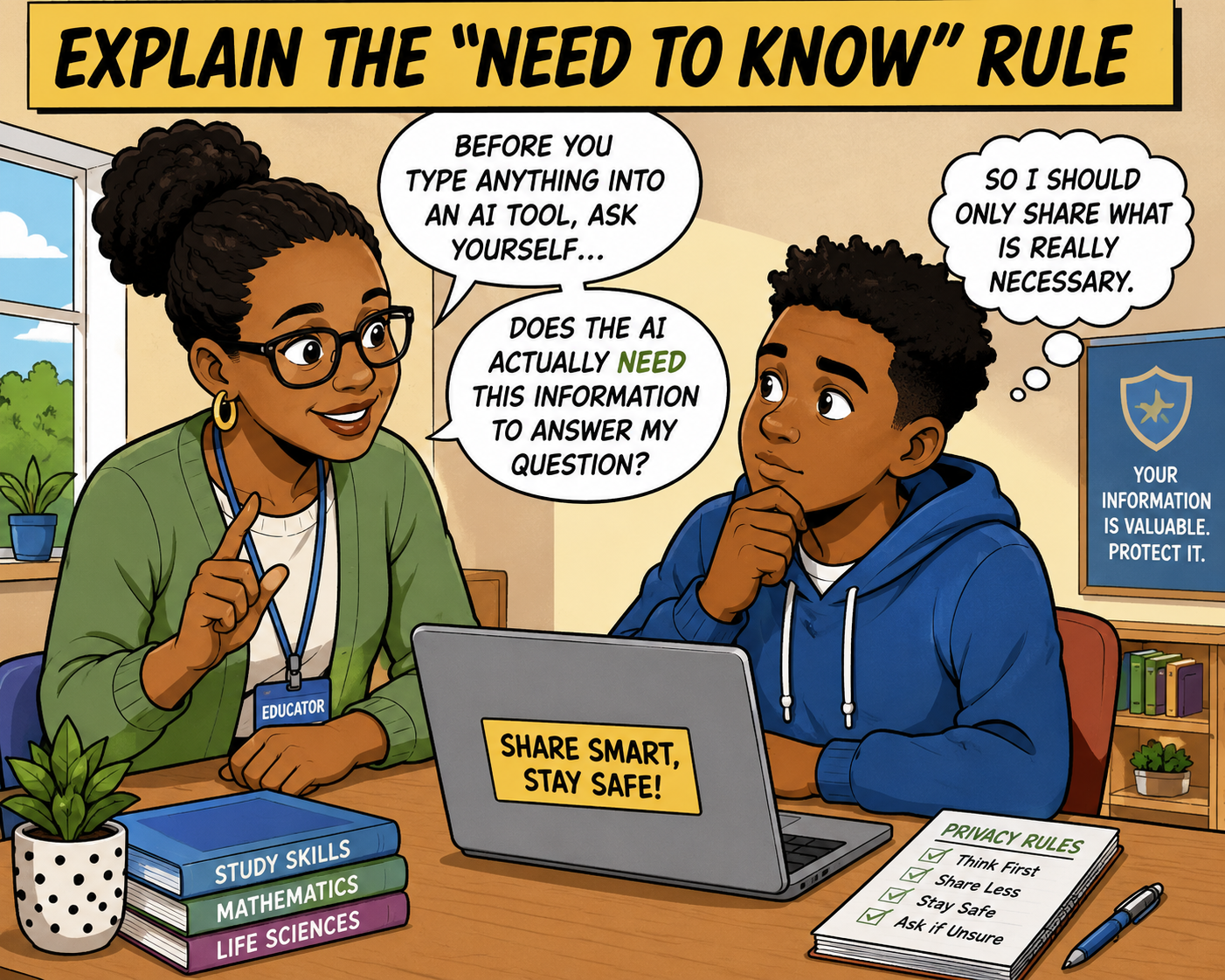
Explain The "Need To Know" Rule
One of the simplest privacy lessons is the "Need To Know" rule.
Before typing anything, learners should ask themselves: Does the AI actually need this information to answer my question? Usually, the answer is no.
Instead of writing: "My name is Sipho. I attend Green Valley High School. I live in Johannesburg. My teacher Mr Nkosi gave us this assignment."
The learner could simply write: "Please explain this Grade 11 Geography assignment."
The second question protects privacy while still getting useful help.
Teach Children To Remove Identifying Details
Sometimes learners genuinely need help with schoolwork.
Instead of uploading an assignment exactly as it appears, they can remove identifying information first.
For example, remove:
Learner names
Teacher names
School name
Student number
Class details
Email addresses
The AI only needs the academic content.
Remind Children That AI Does Not Need To Know Everything
Some children naturally enjoy chatting.
They may begin telling AI:
What happened at school
Family routines
Weekend plans
Holidays
Friendships
Personal worries
Parents can explain: "Treat AI as a study assistant, not as someone who needs to know every detail about your life."
This simple distinction encourages healthier digital habits.
Why Teenagers Sometimes Overshare
Understanding why teenagers share too much helps parents respond calmly.
Reasons include:
They Forget It Is Technology
AI often sounds conversational.
It may feel like talking to another person.
This makes it easy to forget that it is still a digital tool.
They Want Better Answers
Teenagers sometimes believe that providing more information will always produce better responses.
Often this is unnecessary.
AI usually only needs the learning question.
They Trust Technology Too Easily
Young people who have grown up with technology may assume that every app is safe.
Parents can gently explain that different platforms have different privacy practices and that it is wise to be cautious.
They Do Not Understand Digital Footprints
Many learners have never heard the term "digital footprint."
Everything shared online contributes to the information connected with someone's online activities.
Teaching this concept early helps children make better choices throughout life.
Creating Family Privacy Rules
Instead of having dozens of complicated rules, families can agree on a few simple ones.
For example:
Rule 1: Never share passwords.
Rule 2: Never share addresses or phone numbers.
Rule 3: Never upload personal documents.
Rule 4: Never share information about other people without permission.
Rule 5: Ask a parent if unsure.
Simple rules are easier to remember than long lists.
Helping Children Recognise Personal Documents
Many teenagers do not realise that ordinary documents contain sensitive information. Parents can show examples of documents that should never be uploaded casually.
These include:
Identity documents
Passports
Driver's licences
Medical records
Bank statements
Payslips
School reports with personal details
Examination admission letters
Utility bills
Seeing these examples helps learners recognise private information more easily.
Respecting Other People's Privacy
Digital responsibility also means protecting other people.
Children should never upload:
A friend's assignment
Someone else's photographs
Private conversations
Screenshots of classmates
Teacher emails
Family messages
Before sharing information about another person, learners should ask whether they have permission to do so.
Respecting others' privacy is an important part of good digital citizenship.
Using AI Safely For Schoolwork
Fortunately, most educational AI use does not require personal information at all.
Safe examples include:
"Explain photosynthesis."
"Help me understand quadratic equations."
"Create five Geography revision questions."
"Summarise this paragraph."
"Check my grammar."
"Give me study tips for Life Sciences."
These prompts focus on learning rather than personal details.
Encouraging Questions Instead Of Fear
Privacy education should never frighten children.
Instead of saying: "Never trust technology."
Parents can say: "Technology is useful, but we should always think before we share."
This balanced approach helps children become confident rather than anxious.
Practical Privacy Conversation Starters
Parents do not need formal lessons.
Simple conversations can make a big difference.
Questions might include:
"What information do you think should stay private?"
"Would you give that information to a stranger?"
"Does the AI really need to know that?"
"Could you ask the same question without using your name?"
"How would you feel if that information became public?"
These discussions build good judgement over time.
Helping Teenagers Build Lifelong Digital Responsibility
Privacy is not only about today's AI tools.
The habits children develop now will influence how they use future technologies throughout adulthood.
Learners who understand privacy are more likely to:
Protect their online accounts.
Think before posting online.
Avoid scams.
Respect other people's information.
Make responsible technology choices.
Build a positive digital reputation.
These are valuable life skills that extend far beyond school.
Final Thoughts
AI can be a powerful learning tool, but it should never come at the cost of personal privacy. Most school-related questions can be answered without revealing names, addresses, passwords, family information, or other sensitive details. By teaching children to pause and ask, "Does the AI really need to know this?" parents can help them make safer choices every time they use technology.
Children do not need to fear AI, but they do need to understand that good digital habits begin with protecting personal information. When families establish clear privacy rules, model responsible online behaviour, and encourage open conversations about technology, learners gain the confidence to use AI wisely while safeguarding themselves and others. In today's connected world, protecting personal information is one of the most important digital skills a young person can develop, and it starts with simple lessons taught at home.
Additional Articles in the Online Safety, and Digital Responsibility Series
What Personal Information Should Your Child Never Share with an AI Tool?
How to Protect Your Teen from Unsafe AI Apps and Websites
Deepfakes, Fake Images, and AI Scams: What Parents Should Know
Helping Your Child Fact-Check AI Answers Instead of Trusting Them Blindly
Digital Responsibility Starts at Home: Teaching Good AI Habits Early
Disclaimer
AI Tools were used to assist with research. Remember to always cross-check everything that you read.